On this page
Signs your shop needs proper billing software
If any of these sound familiar, a billing system will pay for itself quickly.
- Customers wait while bills are written or typed item by item
- You only find out an item is out of stock when a customer asks for it
- Credit given to retailers and customers is tracked in a notebook
- Month end means hours of adding up sales and expenses
- You are not sure which products actually make you money
The features that matter most
These are the features our clients use every single day. Make sure any software you consider does them well.
Fast barcode billing
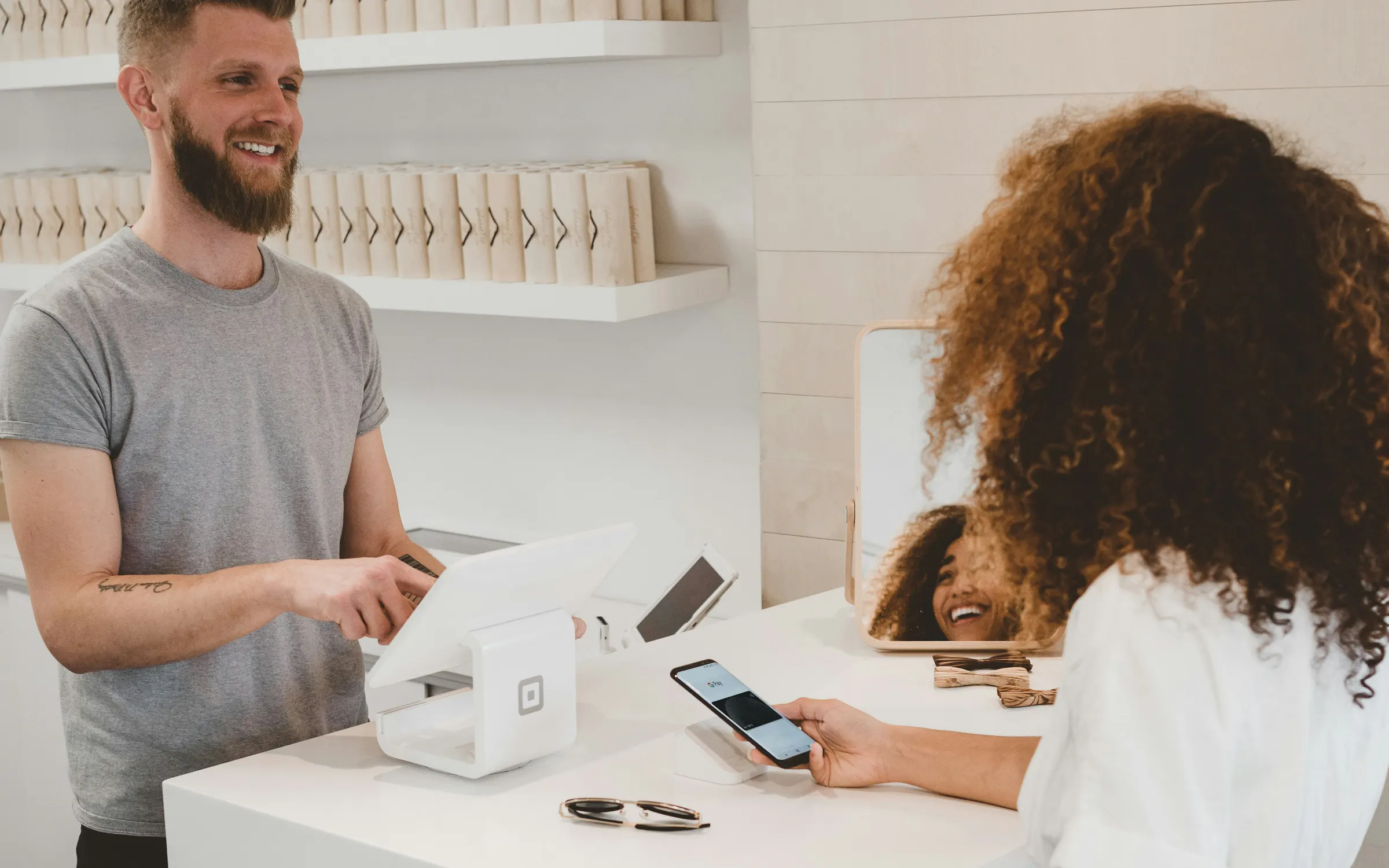
Scan the item, take the payment, print or share the bill. A sale should take seconds, even with a queue at the counter. Look for keyboard shortcuts, quick search by name and support for your barcode scanner and thermal printer.
Stock that updates itself
Every sale, return and purchase should change your stock automatically. Low stock alerts and a simple reorder list stop lost sales and stop money being tied up in slow items.
IMEI and warranty tracking
For mobile and electronics shops this is essential. Every phone should be tracked by its IMEI from purchase to sale, so warranty claims, returns and stolen phone checks take a few seconds instead of an afternoon.
Customer and retailer dues
Credit is part of doing business in Nepal. Good software records part payments, shows who owes what and sends reminders, so dues stop slipping through the cracks.
Reports you can read in a minute
Daily sales, profit by product, best sellers, slow movers and expenses, shown simply. You should be able to check how the shop is doing from your phone without asking anyone.
Features built for Nepal
Software made abroad often misses the details that matter here. Check for these.
- Bikram Sambat and English dates on bills and reports
- VAT and PAN details printed correctly on every bill
- Payments recorded by method: cash, eSewa, Fonepay, bank and credit
- Nepali and English product names
- Works on the computers and printers you already have
- Local support you can call in your language
Desktop or cloud billing software?
A single shop with an unreliable connection can do very well with desktop software and automatic backups. If you run more than one branch, or want to check sales while you are away, cloud software usually wins. That is why we are moving our own system, NLab Billing, to the cloud.
| Desktop software | Cloud software | |
|---|---|---|
| Works without internet | Yes, fully | Needs internet, some work offline |
| Monthly fee | Usually none | Usually a monthly or yearly plan |
| See sales from anywhere | Only on that computer | From any phone or laptop |
| Several branches | Hard to combine | Built in |
| Backups | Must be set up locally | Automatic |
VAT bills and IRD rules
If your business is VAT registered, your bills need to show specific details such as your PAN, the buyer's details where required, the taxable amount and VAT. Larger businesses may also be required to use billing software approved by the Inland Revenue Department.
The rules and thresholds change from time to time, so check the current guidance from the IRD or your auditor before choosing software, and ask the software company how their bills meet it.
Keep your profit private
Counter staff need to sell everything, but they do not need to see your cost prices or margins. Good billing software gives each person their own login with only the screens they need. The owner sees everything, a manager sees reports, and staff see billing and stock.
Separate logins also create a clear record of who made each sale, discount or return, which helps when something does not add up.
Questions to ask before you buy
- Can I try it with my own products before paying?
- How long does it take to add my existing stock?
- Does it work with my scanner and printer?
- Where is my data stored and how is it backed up?
- What happens to my data if I stop using the software?
- Who do I call when something goes wrong, and how fast do they reply?
What our clients use
IOS Nepal moved from slow manual bills to one scan billing with automatic stock. BM Mobile Zone runs several shops with every phone tracked by IMEI. Bhumiraj Mobile & Watch House handles retail and wholesale on one counter, and IOS Care manages repairs, bills and stock even when the internet is down.
Each system started from how the shop already works. If ready-made software does not fit yours, read our comparison of custom and ready-made software.
Billing, Inventory & POS Software
Barcode billing, stock control, IMEI tracking and ledgers, on desktop or in the cloud.
Common questions
Look for barcode billing, IMEI tracking, warranty records, stock alerts, dues and BS dates. We build systems like this for shops such as IOS Nepal and BM Mobile Zone.
Yes. Desktop systems work fully offline and back up automatically. Cloud systems need internet but let you check every branch from anywhere.
Some larger businesses must use IRD approved billing software. Rules and thresholds change, so check the current IRD guidance or ask your auditor.
Not with good software. Role based logins let staff bill and manage stock while cost prices and profit stay visible only to the owner.
Yes. Good billing software records each payment by method, so your daily report shows cash, eSewa, Fonepay, bank and credit separately.